Your own pace.
Adjust playback speed to find a rhythm that feels right.
Your next chapter starts here
Discover free classic audiobooks, listen at your own pace, and download chapters for offline listening.
Android 16+ · Native iOS app in development. Explore iOS source

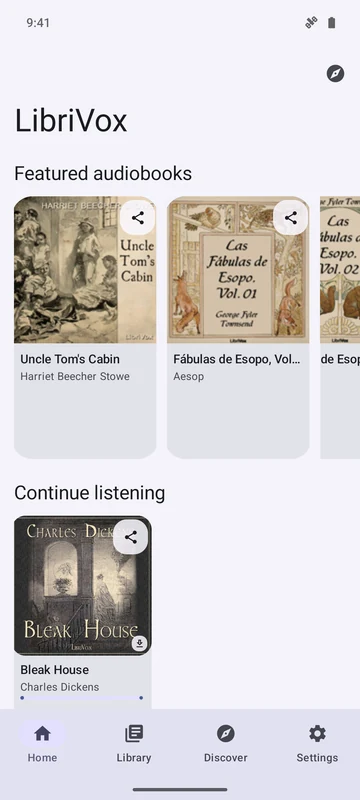
A whole shelf. In your pocket.
From the first chapter to the last.
01 / Find your next book
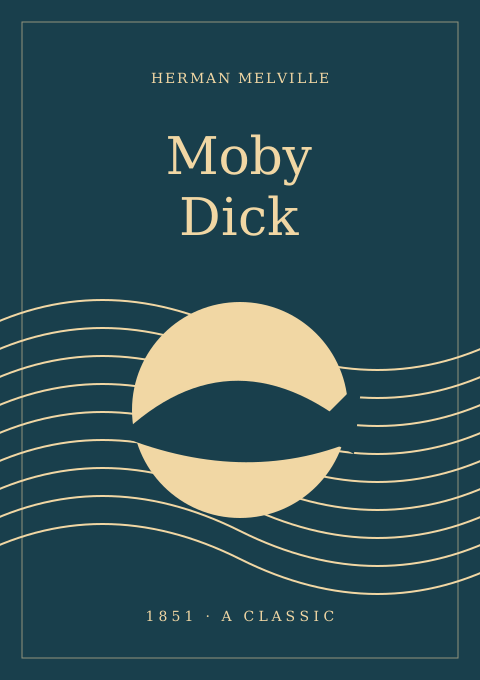
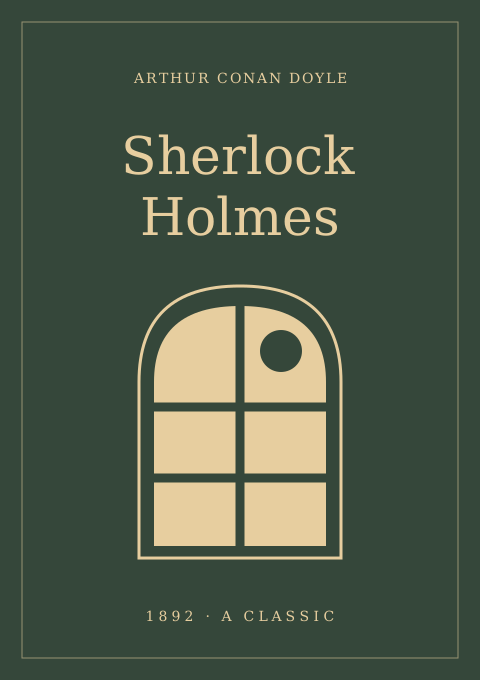
Great adventures, curious worlds, and a mystery or two. Browse the collections or search for a title or author you love.
Herman Melville
Read the original
Lewis Carroll
Read the original
Arthur Conan Doyle
Read the original02 / Make time for a chapter
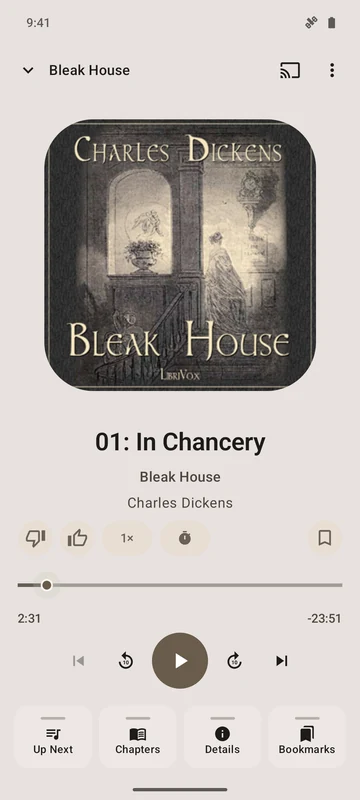
For the quiet morning, the long walk, or the last few minutes of the day. A player that keeps the story close and the controls at hand.
Adjust playback speed to find a rhythm that feels right.
Background playback lets the story carry on while you use other apps.
03 / Keep your place
Long books, little moments, and the lines that stay with you. Keep your listening organized without leaving the story.
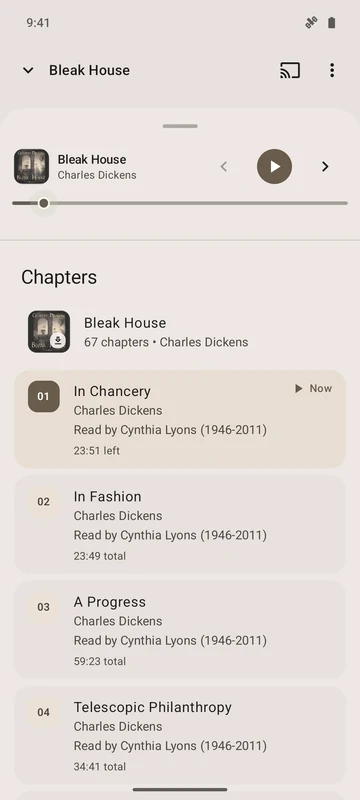
Find the part you want. Open the chapter list while you listen and jump straight to the next beginning.
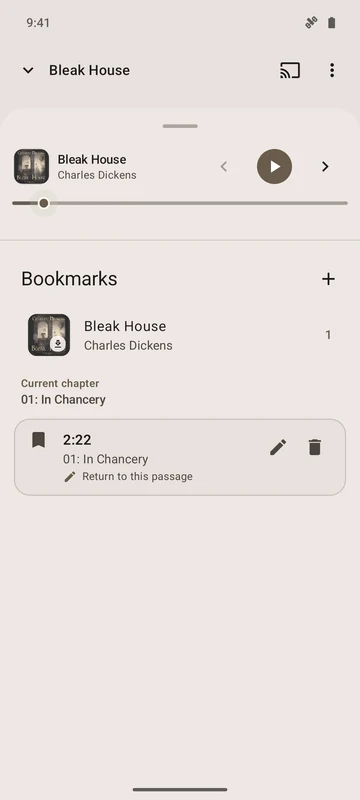
Save a moment with a bookmark and a note. Return to the words you wanted to remember.
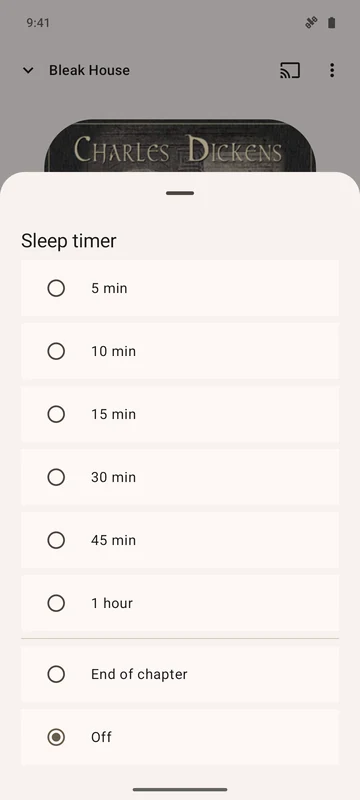
Set a sleep timer and let the story wind down. Your next chapter will still be there tomorrow.
04 / Take the story with you
A book for the journey. A voice to fill the room. Keep listening the way that suits your day.
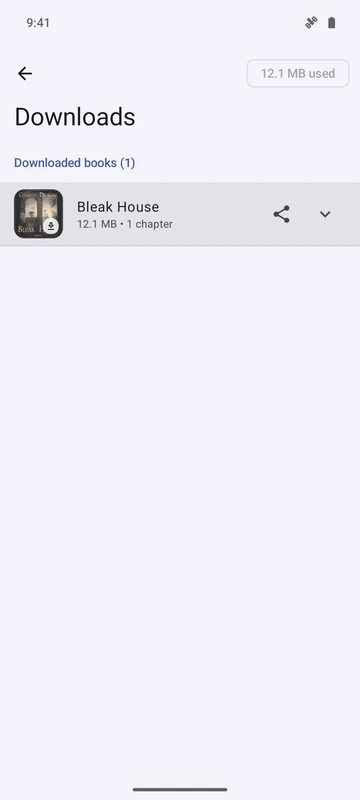
Download chapters before you head out, then listen offline.
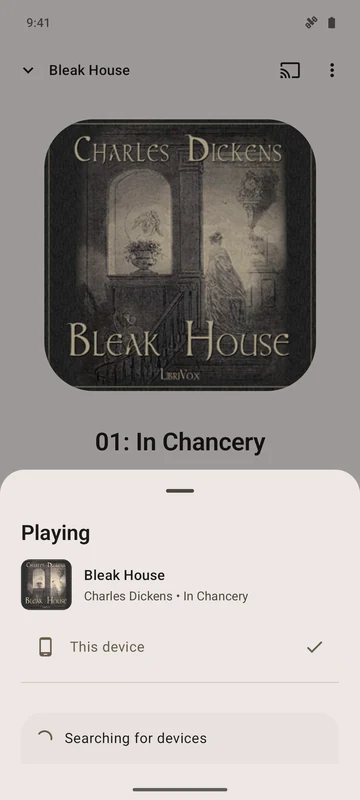
Send a story to compatible Google Cast speakers or TVs on the same local network.
Saved books, listening progress, and bookmarks stay on your device.
A shared love of books
Good stories deserve to be heard. LibriVox Mobile is free, open-source software, built around recordings and books shared by public collections.
LibriVox volunteers bring books to life. You can also enable Lit2Go and Wolne Lektury in the app. Project Gutenberg provides linked texts. Recordings, texts, and artwork have their own source terms; public-domain status varies by country.
Explore the collectionsThere’s always another chapter
Android 16+ · iOS in development · Free and open source